

Animated path plot
Visualize function, parametric and polar graphs as they are drawn in real time.

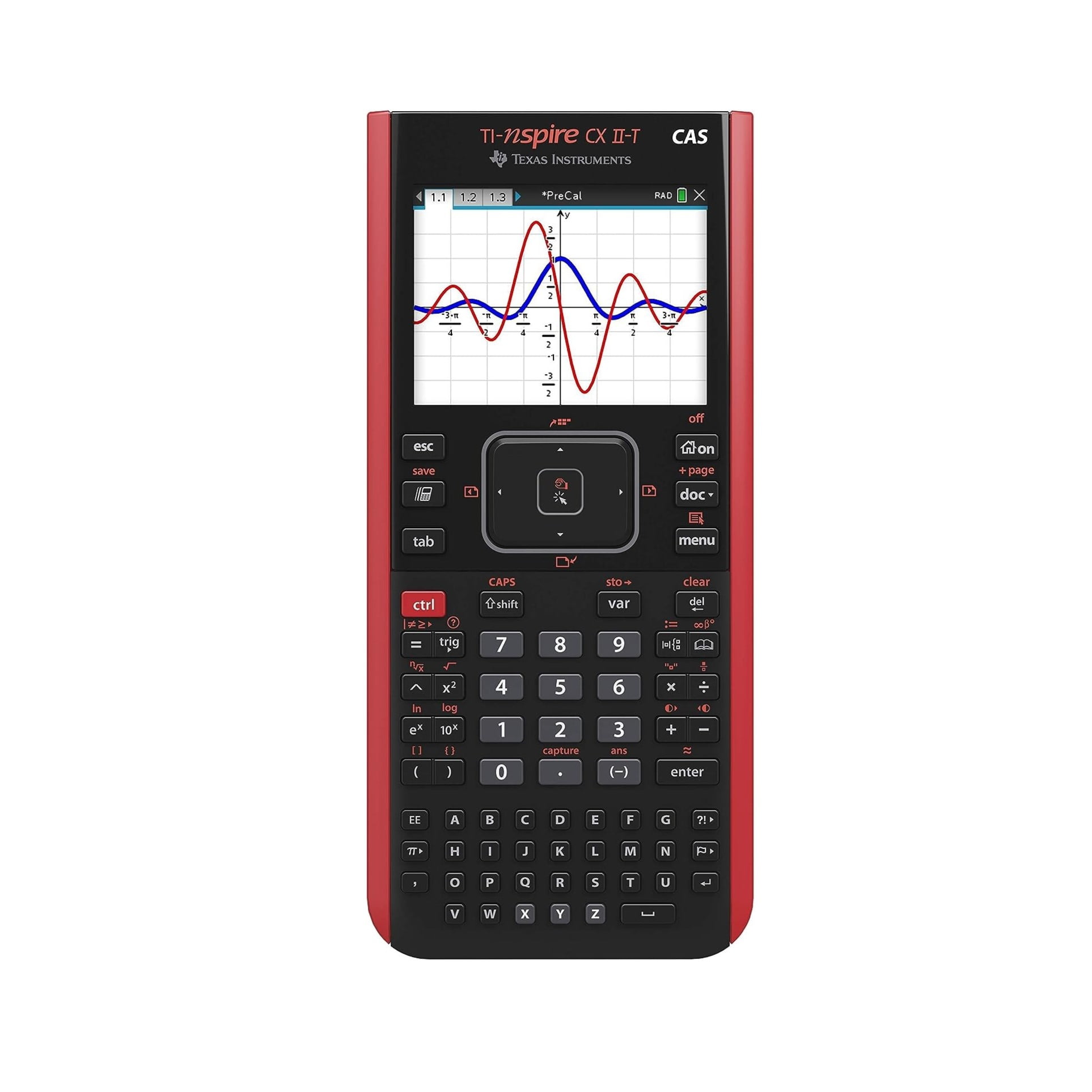


Original price was: 799 AED.739 AEDCurrent price is: 739 AED. Tax included
| Brand | TEXAS INSTRUMENTS |
| Colour | Red |
| Calculator Type | Graphing |
| Power source | Battery Powered |
| Number of batteries | 1 Lithium Ion batteries required. (included) |
Only 1 left in stock
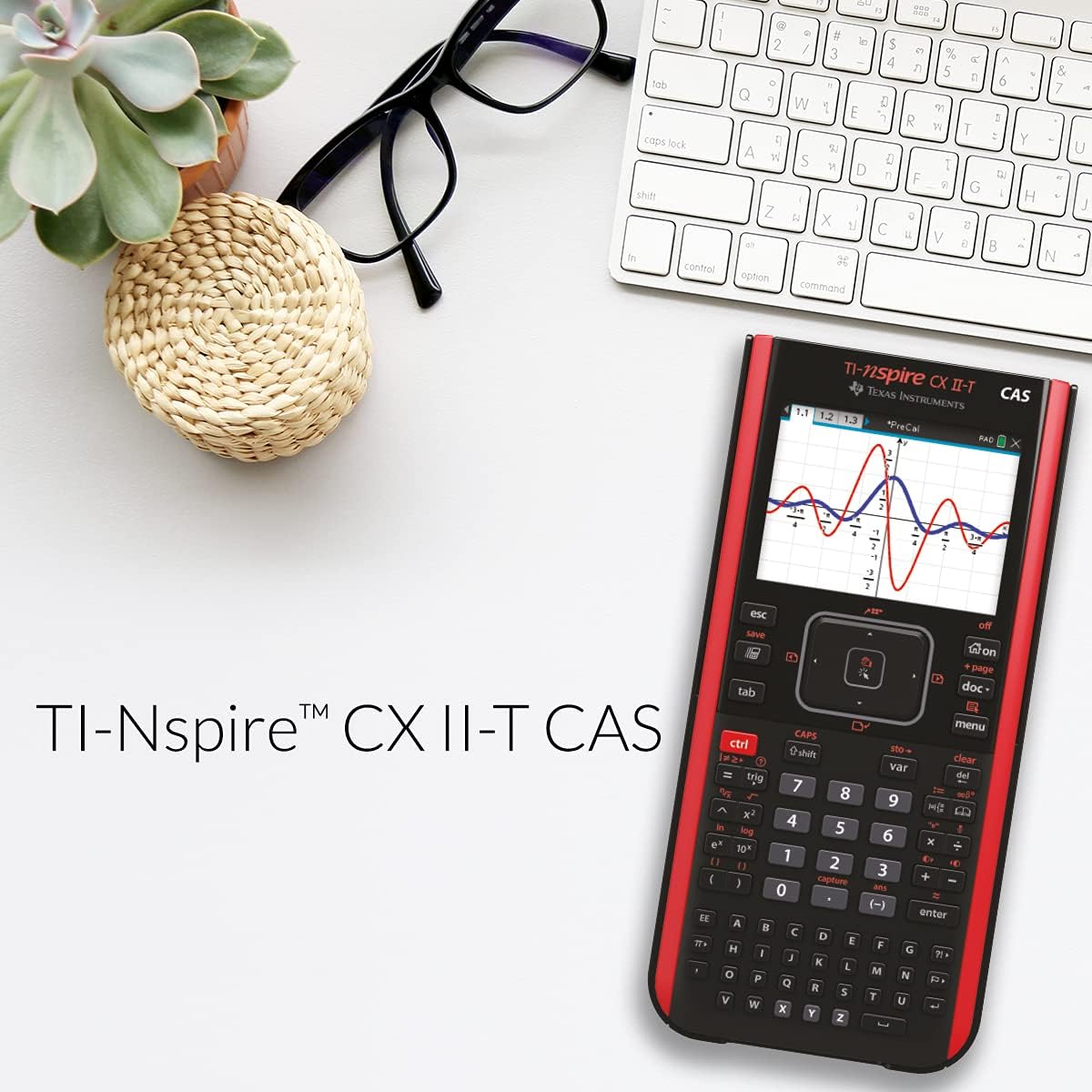
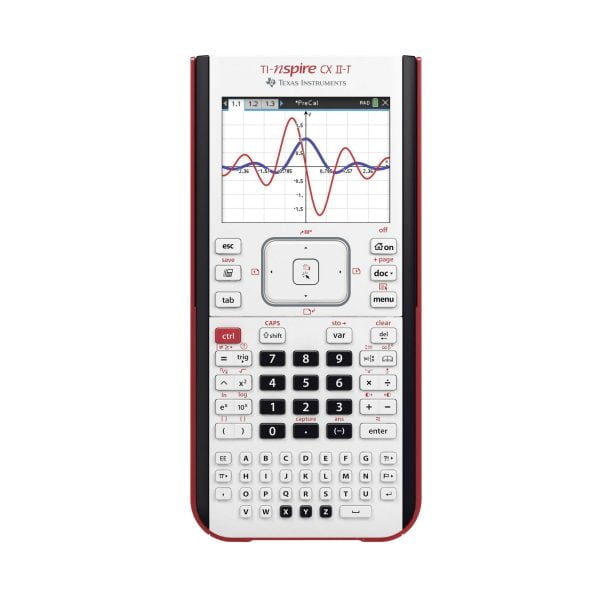
Faster performance, added interactive visuals and easier-to-read graphics expand the TI-Nspire™ CX graphing calculators’ classroom-proven ability to support inquiry and discovery.
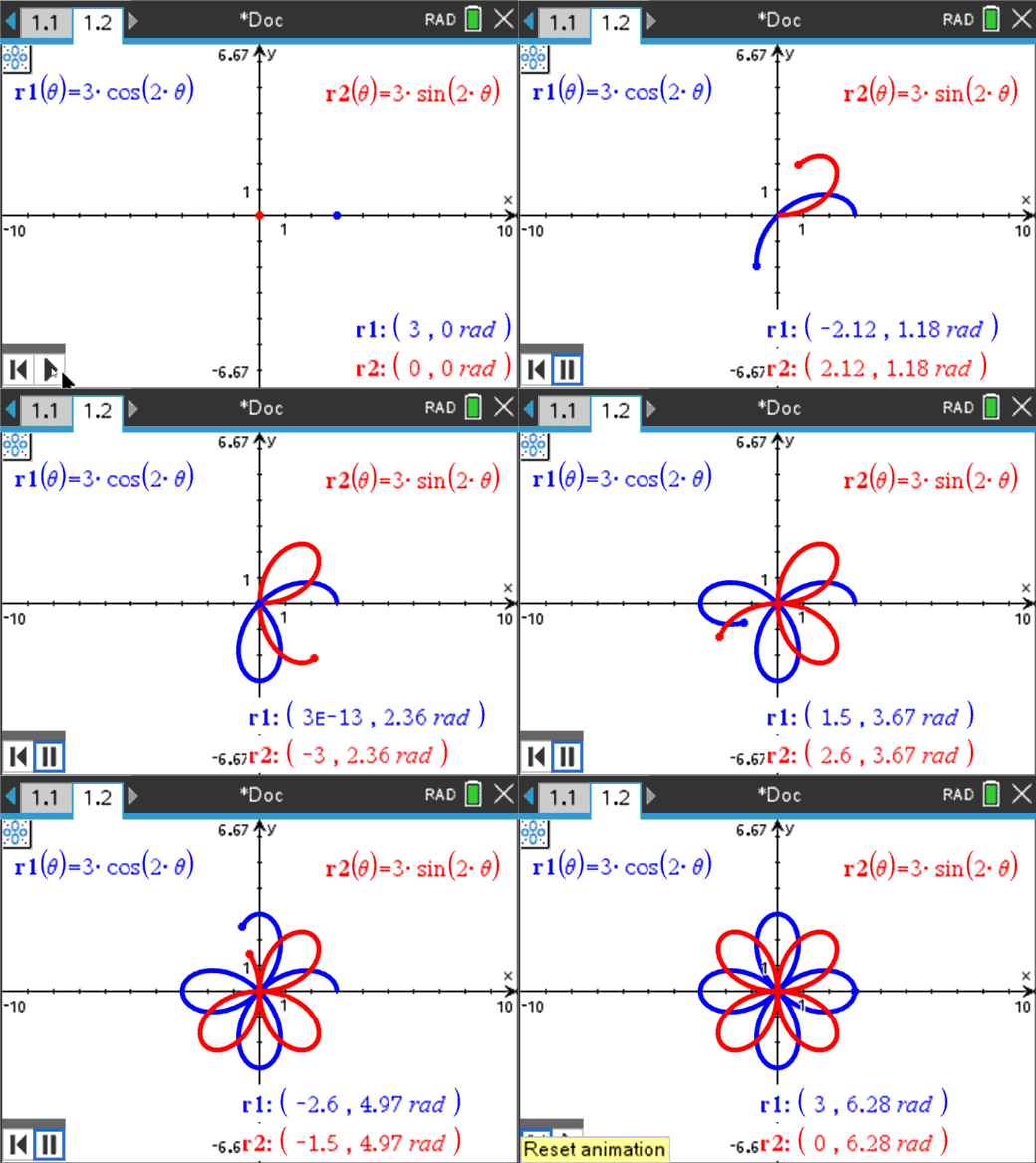
Animated path plot
Visualize function, parametric and polar graphs as they are drawn in real time.
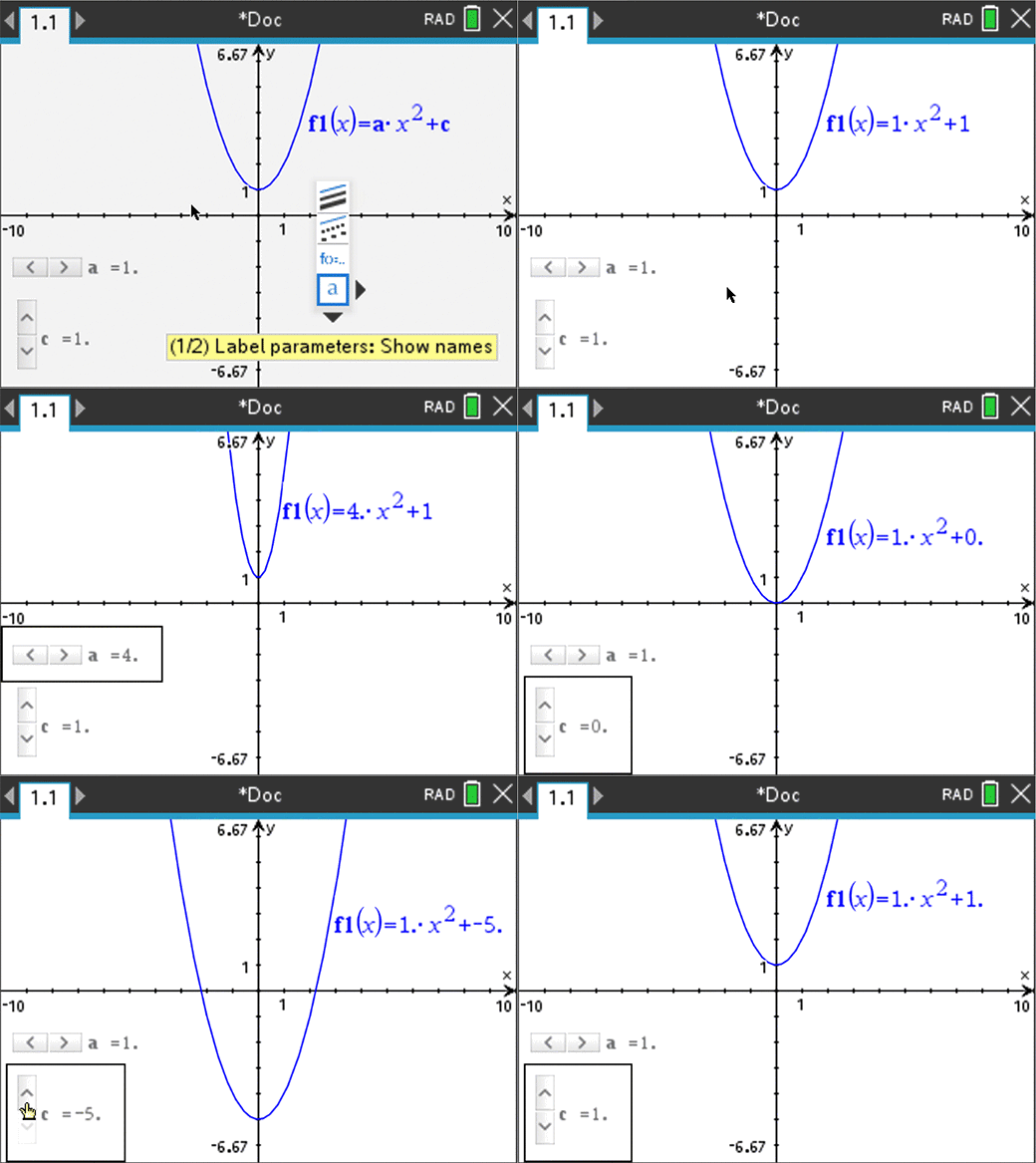
Dynamic coefficient values
Explore direct connections between dynamic coefficients in equations and graphs.
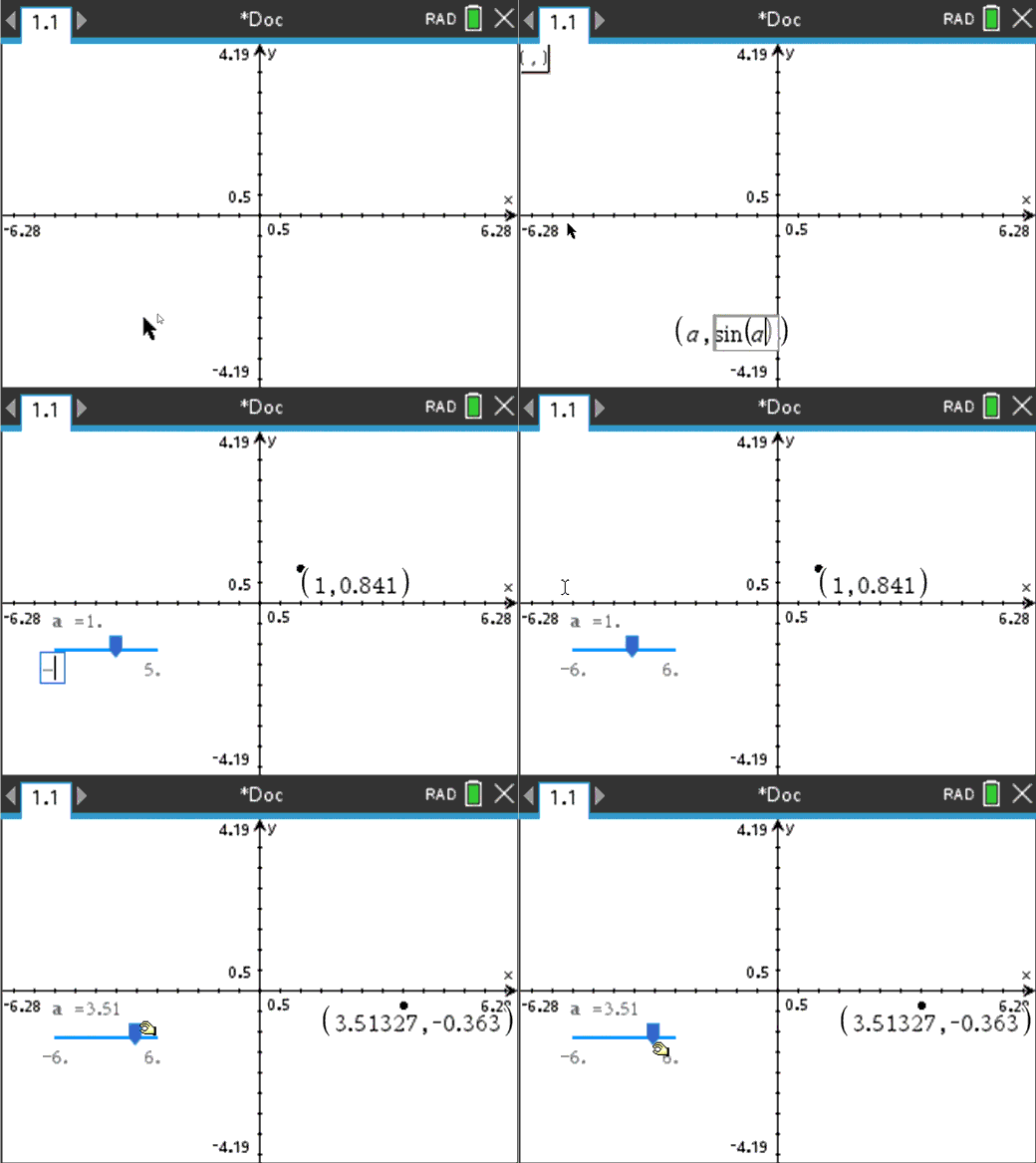
Points by coordinates
Create dynamic points defined by coordinates, sliders or expressions quickly.
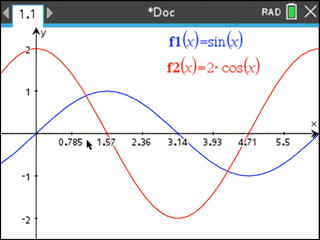
Tick-mark labels
Label axes scales to create visual contexts that promote understanding.
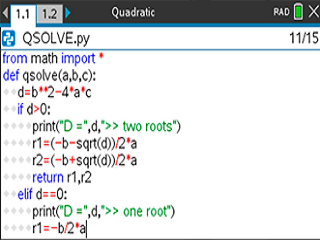
Python programming
Program easily with this coding language that’s great for STEM classes and more.
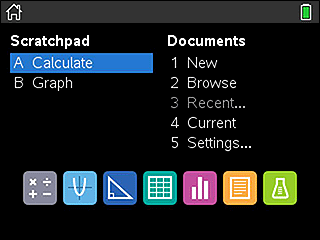
Easier-to-read graphics
New app icons, supported by color-coded screen tabs, improve the user experience.
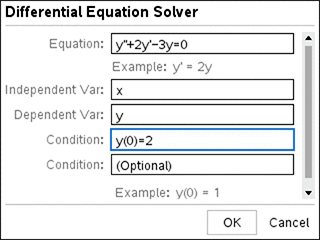
Reduce syntax errors in solving differential equations.
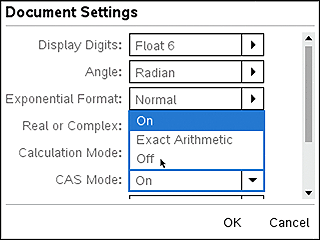
Disable algebraic functionality easily in the Press-to-Test dialog box or in document settings.
 | Calculator Perform computations and enter expressions, equations and formulas in proper math notation. |  | Lists & Spreadsheet Perform mathematical operations on data and visualize the connections between the data and their plots. |
 | Graphs Plot and explore functions, equations and inequalities, animate points on objects and graphs, use sliders to explain their behavior and more. |  | Data & Statistics Summarize and analyze data using different graphical methods such as histograms, box plots, bar and pie charts and more. |
 | Geometry Construct and explore geometric figures and create animations. |  | Notes Enter notes, steps, instructions and other comments on the screen alongside the math. |
 | Vernier DataQuest™ Application Create a hypothesis graphically and replay data collection experiments all in a single application. |  | Programming Add new functionality and create rich STEM activities with Python and TI-Basic coding languages. |
| Permitted on tests* | TI-Nspire™ CX II graphing calculator | TI-Nspire™ CX II CAS graphing calculator |
|---|---|---|
| SAT® | ✓ | ✓ |
| AP® | ✓ | ✓ |
| PSAT/NMSQT® | ✓ | ✓ |
| ACT® | ✓ | |
| IB® Diploma Programme | ✓ | ✓ ** |
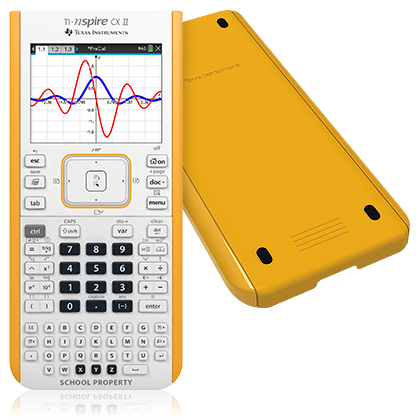
Protect your investment
Manage your school TI-Nspire™ CX II graphing calculators with unique school-bus yellow EZ-Spot back covers and inscribed “School Property” faceplate.
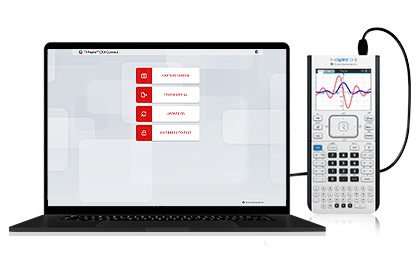
TI-Nspire™ CX II Connect
TI-Nspire™ CX II Connect is a web-based app that connects your TI-Nspire™ CX II graphing calculator to your computer, enabling you to take screen captures, transfer files and update the operating system in one place.
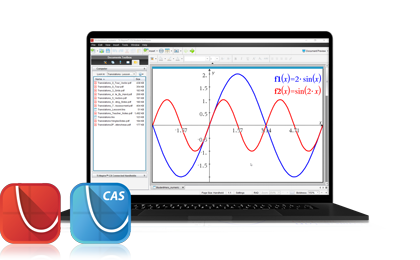
Calculator-software bundle
Purchase the TI-Nspire™ CX II CAS or
TI-Nspire™ CX II graphing calculator retail package and receive the corresponding
TI-Nspire™ CX Student Software for home computer use.
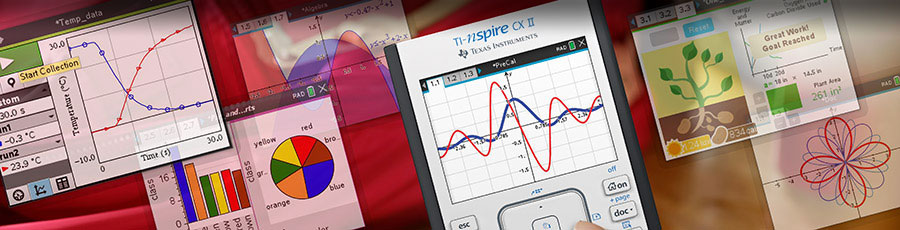
Save time and simplify lesson planning with free standards-aligned activities that cover the full spectrum of math and science topics from middle grades through high school.
T³™ professional development covers a full range of educator needs — from Texas Instruments technology basics to supporting productive struggle, implementing STEM projects, and customizing systemic, in-school teacher education.
This post is also available in:
 العربية (Arabic)
| Weight | 0.5 kg |
|---|---|
| Brand | Texas Instruments |
Show only reviews in English (0)
You must be logged in to post a review.
No account yet?
Create an Account


Reviews
There are no reviews yet.