





Amazon Kindle Scribe (16GB) 2024 Released – Redesigned display with uniform borders Includes Premium Pen – Tungsten
Original price was: 2,099 AED.1,659 AEDCurrent price is: 1,659 AED. Tax included
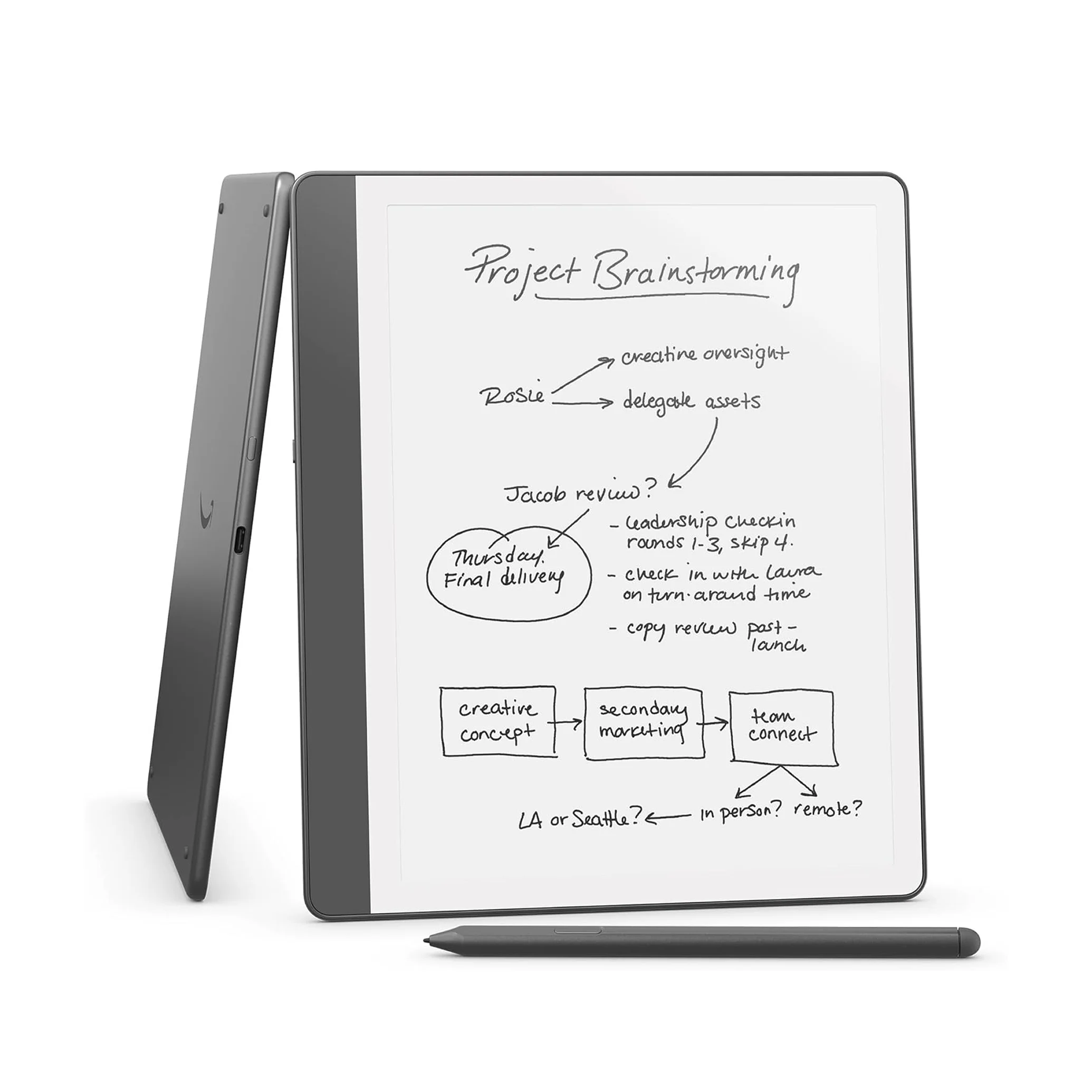
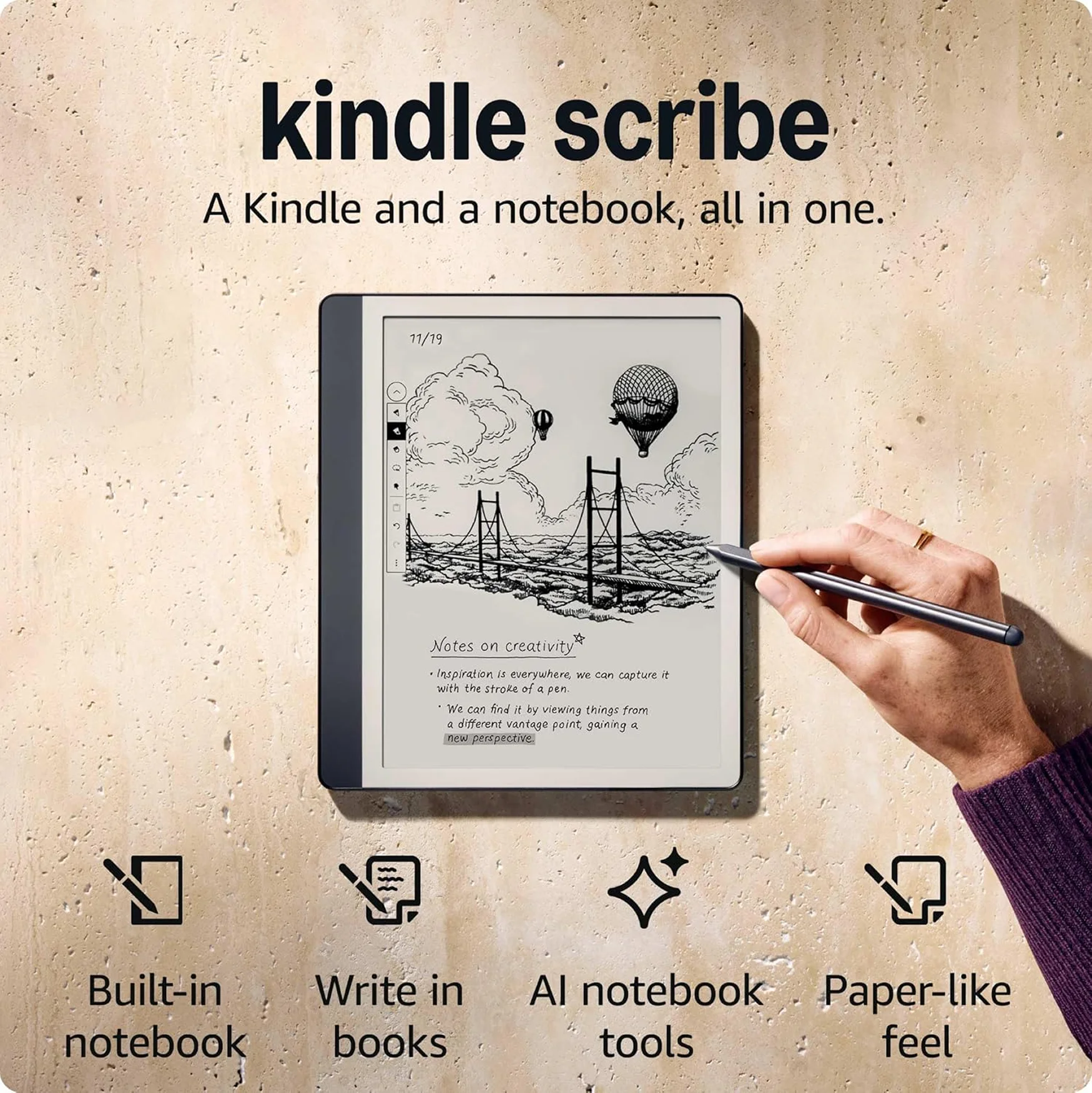
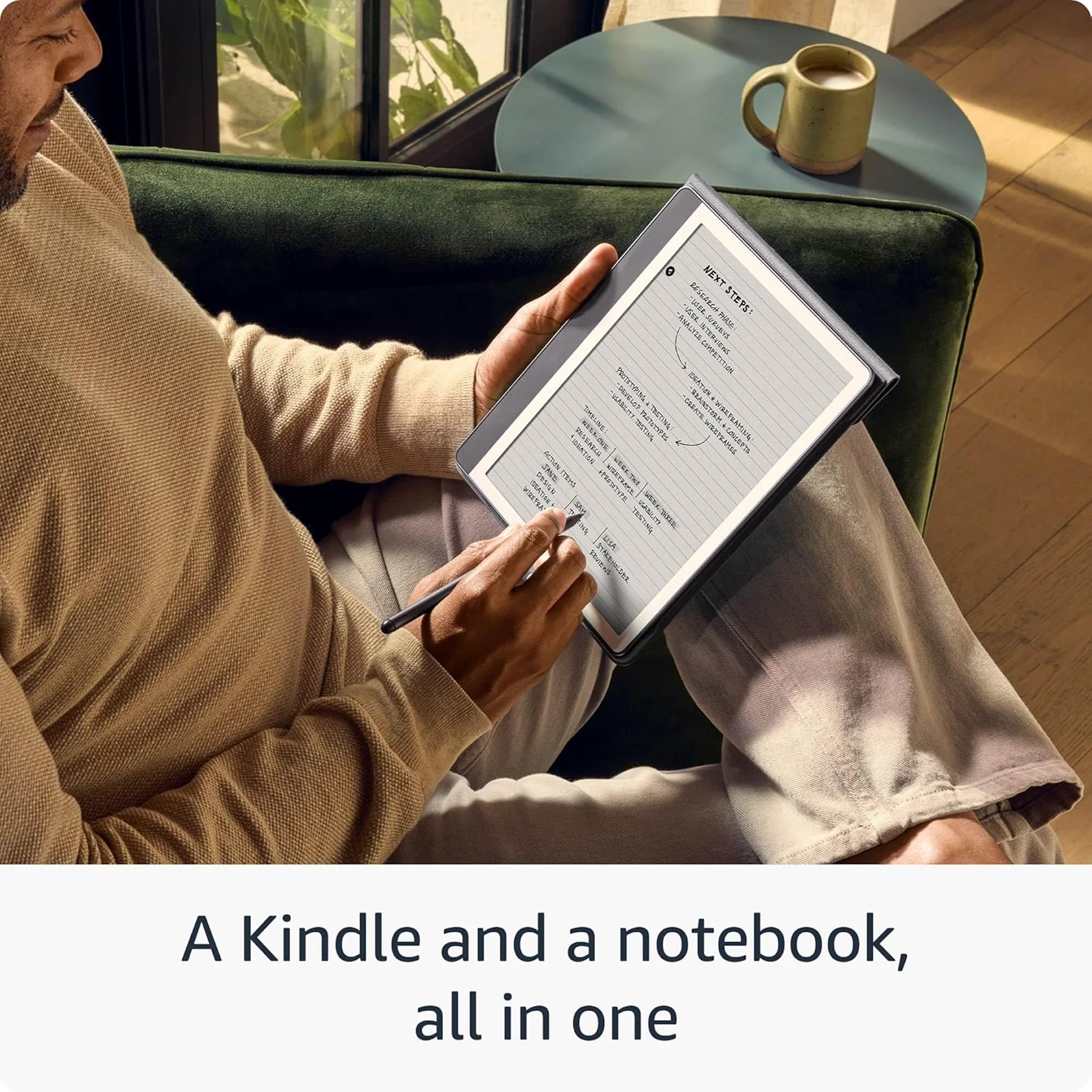
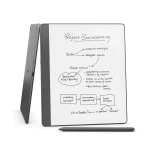
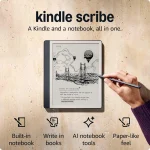
- Kindle Scribe – A Kindle and a notebook, all in one. Redesigned flush-front display with uniform white borders and upgraded Premium Pen, feels like writing on paper.
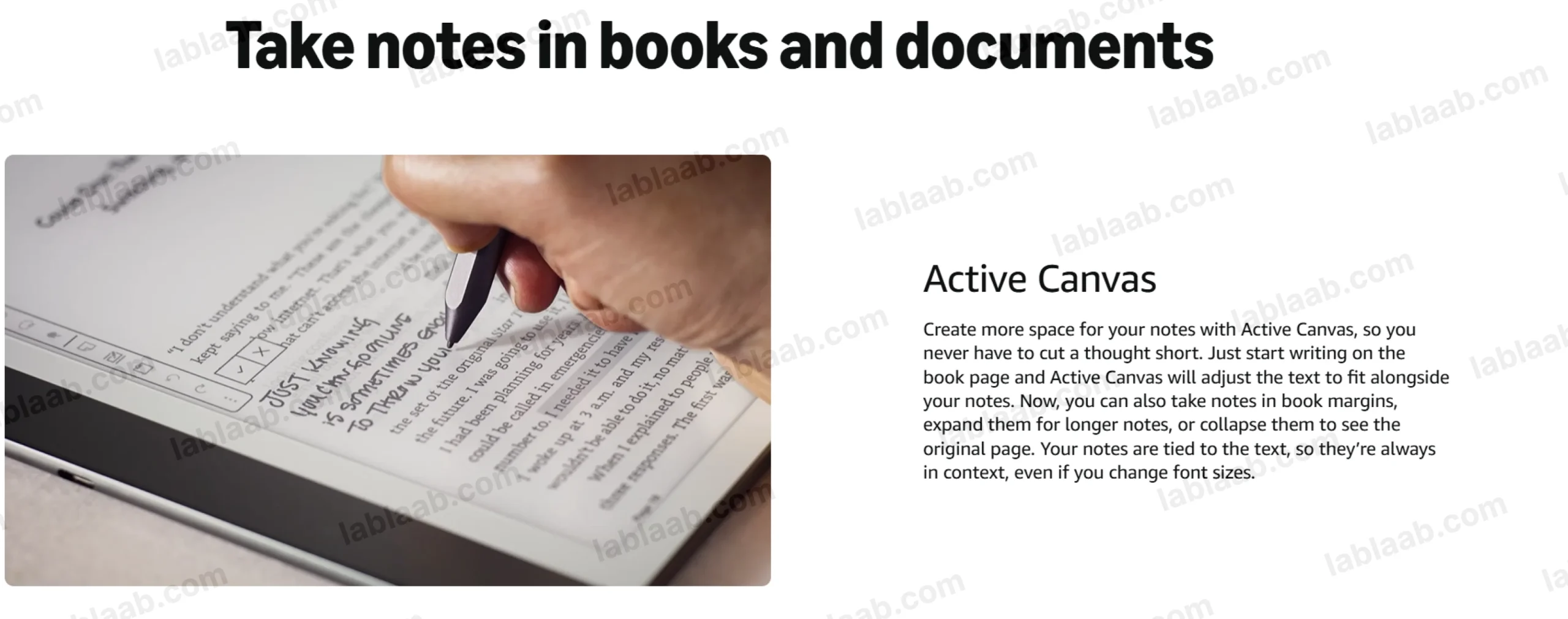
- Write in books – Start writing on the page and Active Canvas will create space for your notes. Expand the margins to add more notes, or collapse them to see the original page.
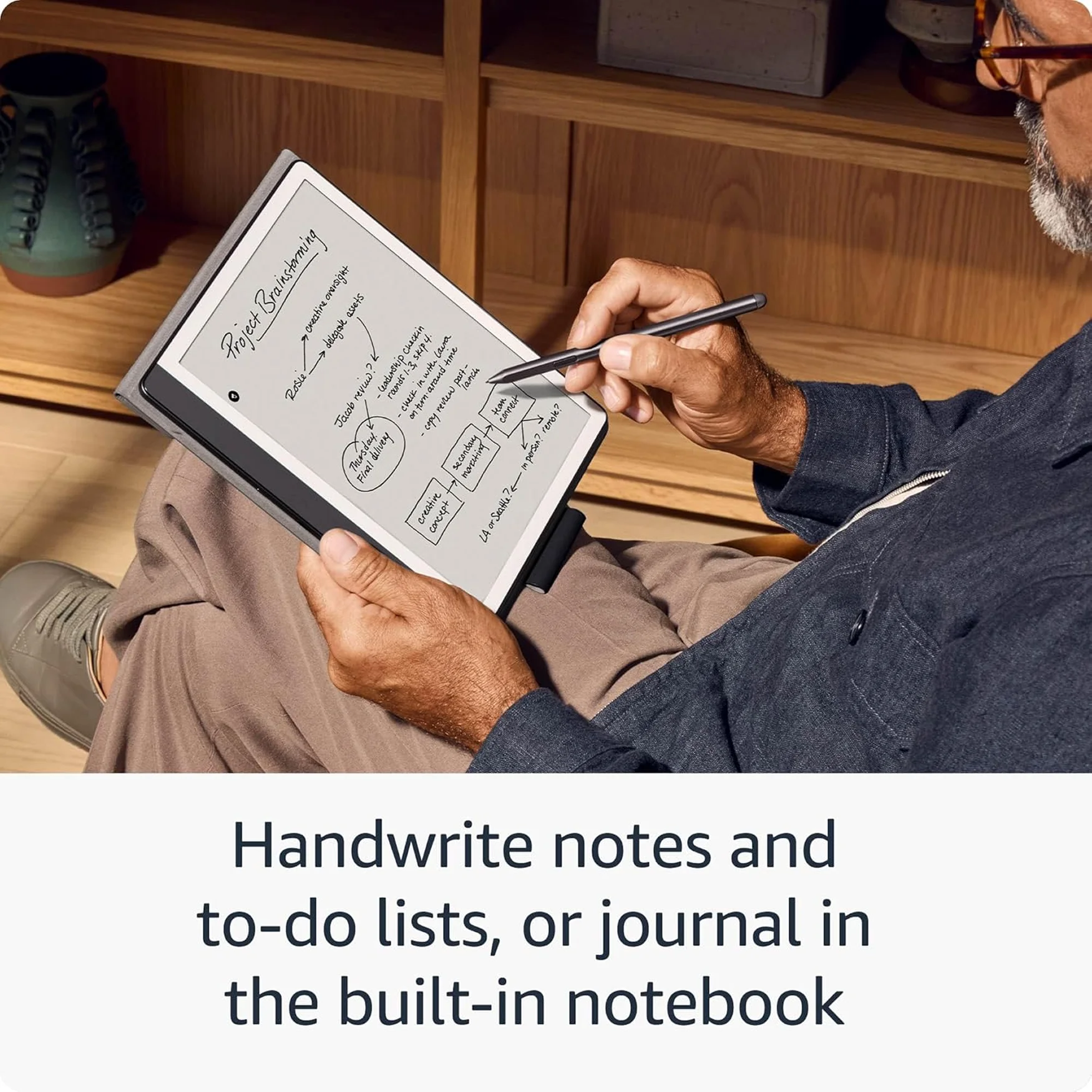
- Built-in notebook – Create meeting notes and to-do lists, or journal all in one place. Convert handwritten notes to text and email them to yourself or your contacts.
- Notebook summaries – Easily summarize and refine your notes with built-in AI notebook tools.
- Read and write in any light – The 10.2″ glare-free, 300 ppi front-lit display is designed for reading and writing anytime, indoors and out.
- No distractions – Focus on your thoughts with a device purpose-built for reading, writing, and marking up documents. No notifications or social media.
- Premium Pen included – No need to set up or charge, just start writing. Upgraded design, shortcut button, and soft eraser provide a perfect writing companion.
In stock
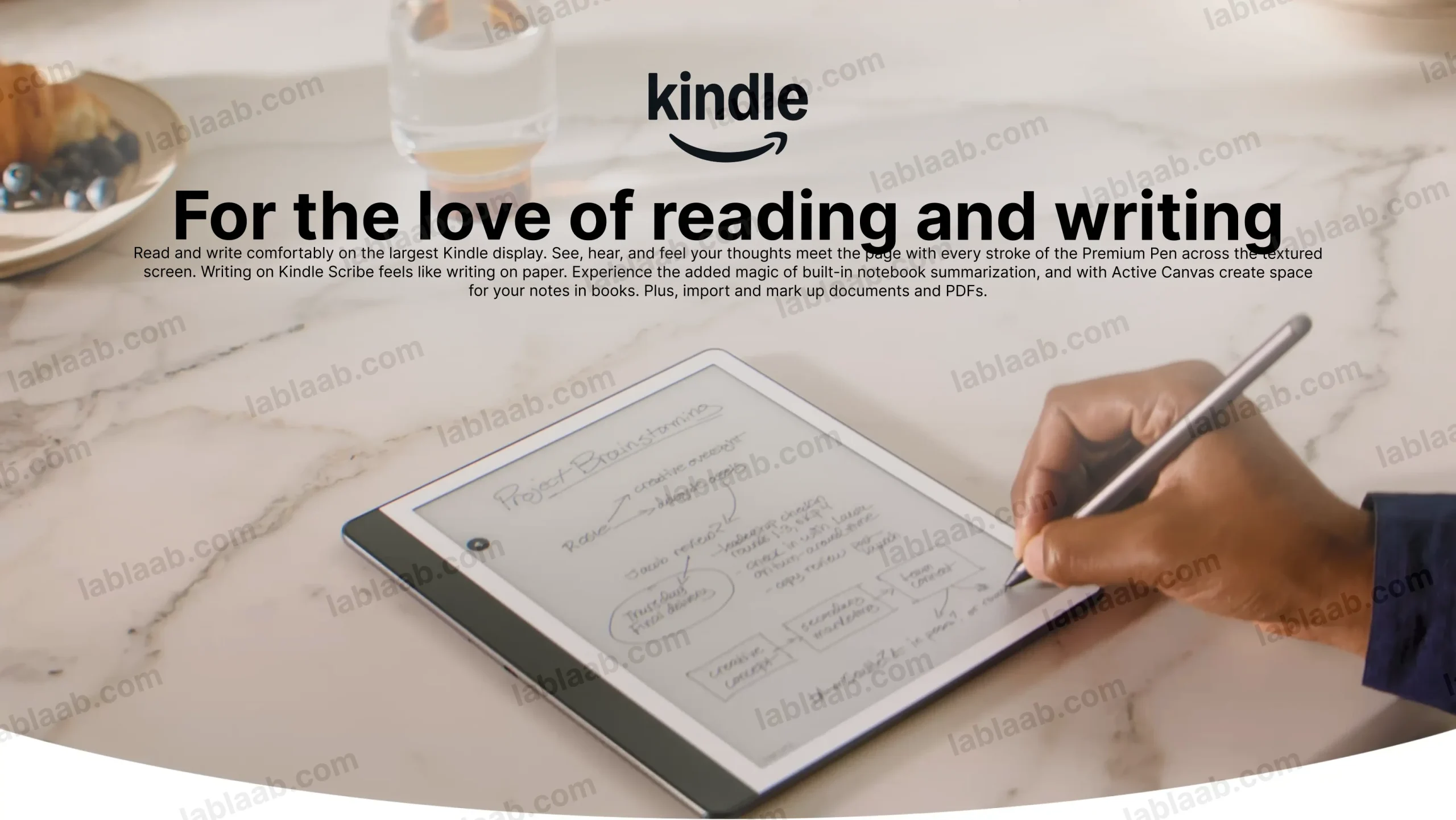

- Kindle Scribe – A Kindle and a notebook, all in one. Redesigned flush-front display with uniform white borders and upgraded Premium Pen, feels like writing on paper.
- Write in books – Start writing on the page and Active Canvas will create space for your notes. Expand the margins to add more notes, or collapse them to see the original page.
- Built-in notebook – Create meeting notes and to-do lists, or journal all in one place. Convert handwritten notes to text and email them to yourself or your contacts.
- Notebook summaries – Easily summarize and refine your notes with built-in AI notebook tools.
- Read and write in any light – The 10.2″ glare-free, 300 ppi front-lit display is designed for reading and writing anytime, indoors and out.
- No distractions – Focus on your thoughts with a device purpose-built for reading, writing, and marking up documents. No notifications or social media.
- Premium Pen included – No need to set up or charge, just start writing. Upgraded design, shortcut button, and soft eraser provide a perfect writing companion.
Frequently Asked Questions
1. How can I import my documents onto Kindle Scribe?
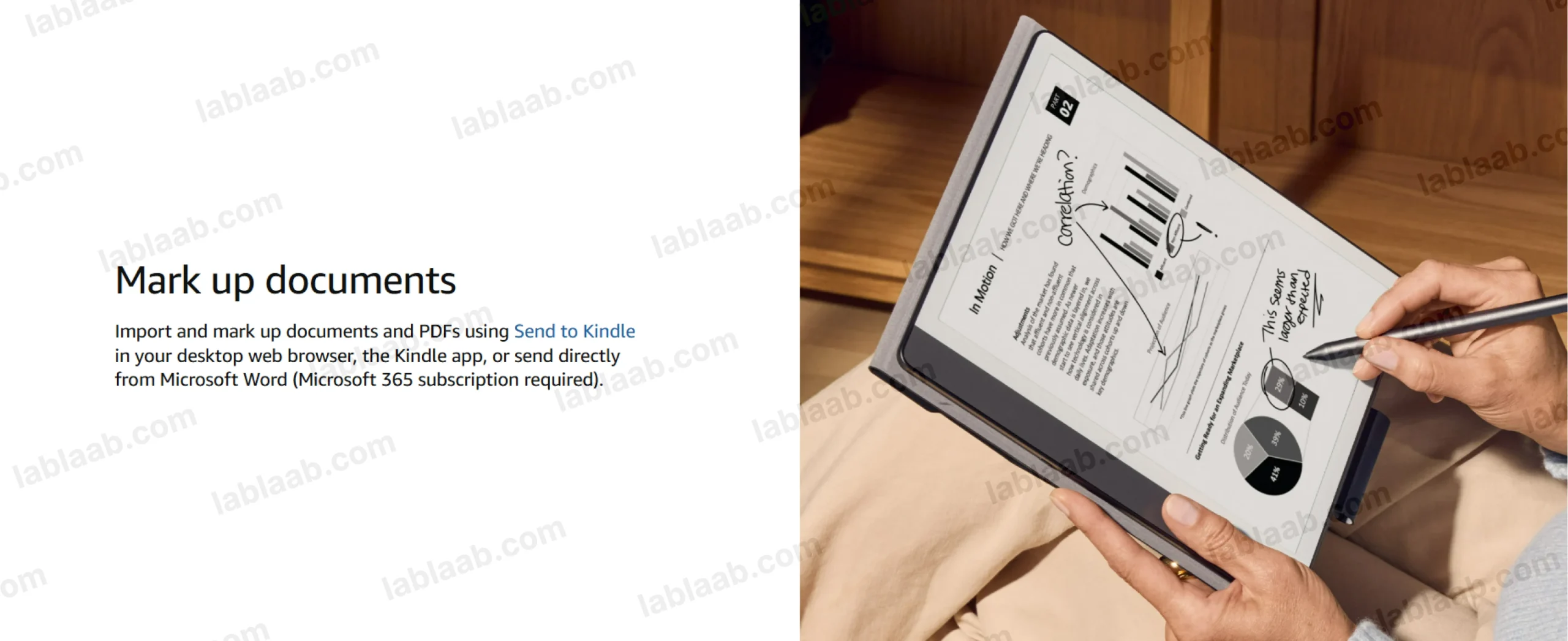
Use Send to Kindle to import documents from your desktop web browser, the Kindle app, or even directly from Microsoft Word (Microsoft 365 subscription required). Supported file types that you can import this way include PDF, DOCX, eBooks in EPUB format, as well as other common document formats like JPG, PNG, HTML, and TXT.
2. Can I view my notes on other Kindle surfaces?
You can view your Kindle Scribe notebooks through the Kindle app for iOS and Android. To access them, go to the “More” tab in the app and select “Notebooks” to view all the notebooks created on your Kindle Scribe. Additionally, you can view any highlights or sticky notes you made in books; however, you can’t view underlines or Active Canvas notes.
3. How do I use the AI notebook tools?
To summarize, open a notebook, tap the AI icon, and select “Summarize”. Choose up to 15 pages (or specific pages from Bird’s Eye View) to extract key takeaways, saving time in reviewing your notes.
For writing refinement, tap the AI icon and choose “Refine Writing”. Select up to 10 pages to convert your handwriting into a polished, script-like font. This works best for narrative-style notes, to-do lists, or nested lists, but may not be as effective for non-linear layouts like calendars or planners.
Both tools may need time to sync new notebooks. For a faster experience, tap “Sync” to manually sync your notes before using AI tools. You can customize the font style, size, and spacing of the output. Results are inserted into your notebook using a blank page template for a clean, organized presentation.
This post is also available in:
 العربية (Arabic)
| Weight | 0.5 kg |
|---|---|
| Brand | Amazon |
Show only reviews in English (0)
You must be logged in to post a review.







Reviews
There are no reviews yet.